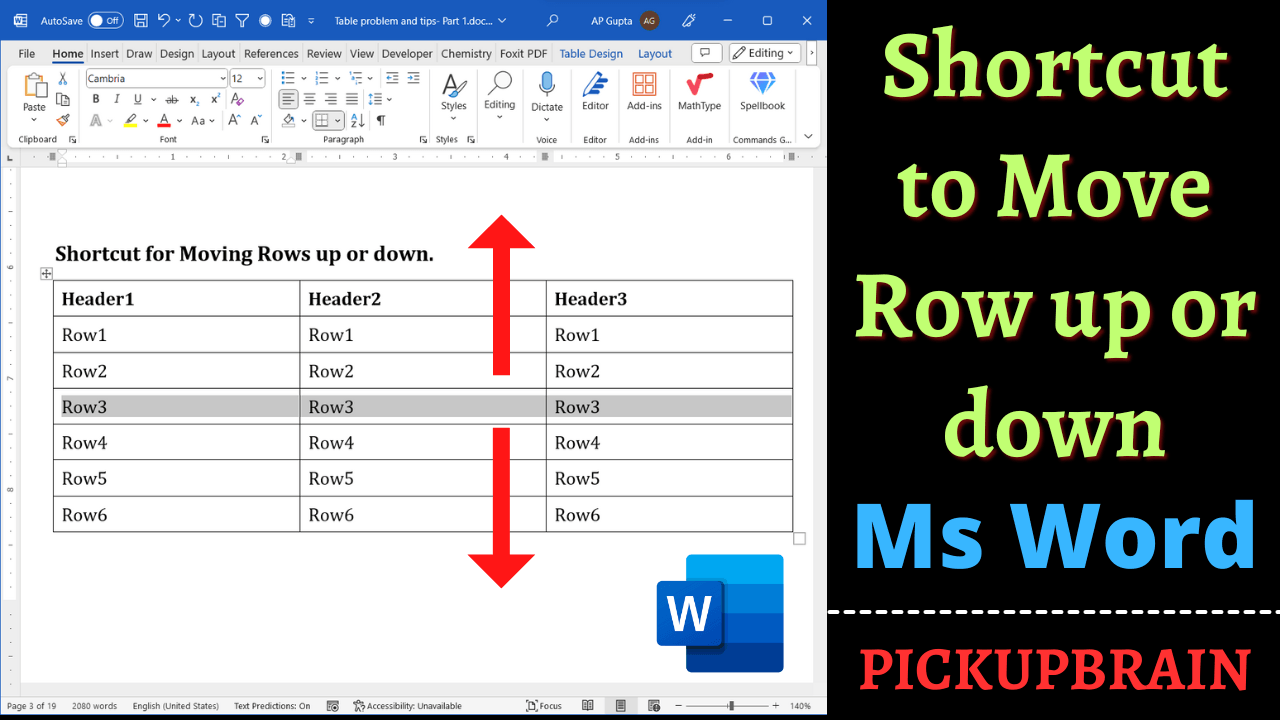
Move Microsoft Word table rows using Alt+Shift+Up or Down Arrow. Includes step-by-step instructions, an example, and troubleshooting tips.
Move Microsoft Word table rows using Alt+Shift+Up or Down Arrow. Includes step-by-step instructions, an example, and troubleshooting tips.
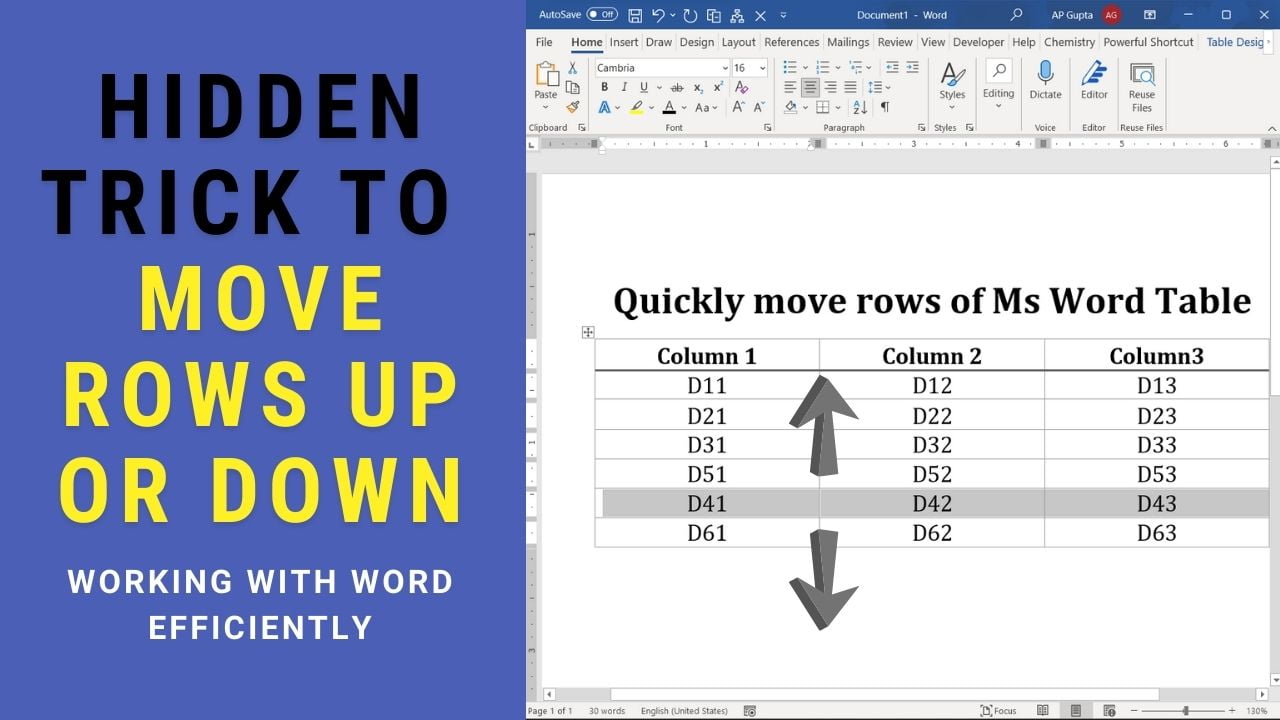
Quick answer: To move a table row in desktop Microsoft Word for Windows, click in the row and press Alt+Shift+Up Arrow or Alt+Shift+Down Arrow. Select adjacent rows first to move them together. This is faster than cutting and pasting, but test the shortcut on a copy if the table contains merged cells or complex formatting. How to Move a Table Row Up or Down in Word Position the cursor in… Read More »How to Move Table Rows Up or Down in Word (Keyboard Shortcut)