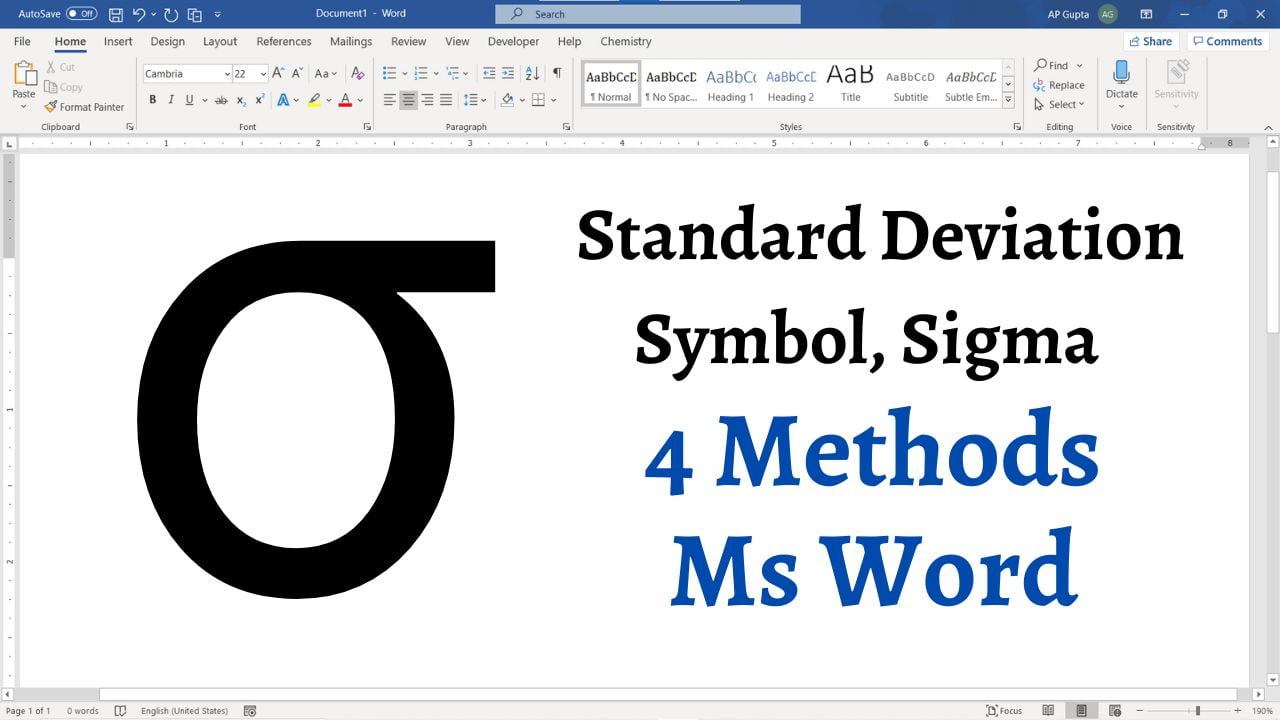
Quick answer: In Microsoft Word for Windows, type 03C3 and press Alt+X to insert the lowercase Greek sigma σ, commonly used for population standard deviation. For sample standard deviation, statistical notation normally uses the Latin letter s. Below are several ways to insert sigma in Word, including the Symbol menu and Math AutoCorrect.
- Symbol Library
- Hidden Autocorrect Shortcut
- Windows numeric-keypad Alt code (layout-dependent)
- Alt X Shortcut

1. Autocorrect Magic:
In a Word equation, type \sigma and press Space to produce σ.
This is Microsoft Word’s autocorrect feature and is like having a built in LaTeX. It makes writing Math (and equations) in Ms Word really easy. It supports many LaTeX-like commands, but it is not a full LaTeX implementation.
Optional: enable Math AutoCorrect outside equations in desktop Word
Math AutoCorrect is designed primarily for equation input. In supported desktop Word versions, you can optionally enable it in ordinary text; the setting location and availability vary by platform.
- Click File → Options to open Word Options
- Navigate to Proofing and click AutoCorrect Options button to open Auto Correct window
- Navigate to Math Autocorrect tab
- Check the box against “Use Math Autocorrect options outside Math region“
- Click OK to close the dialog boxes.
2. Symbol Library: Most common and intuitive way
- Go to the Insert tab and Click Symbol and choose More Symbols.

- Select Greek and Coptic subset. Search and click σ symbol.

- Click Insert and Close the Symbol Window.


3. Unicode Shortcut: Alt+X
Type 03C3 and press Alt + X immediately after it.
4. Alt Code: Windows Numeric Keypad
Legacy Windows Alt codes use the numeric keypad and can depend on the active code page. Do not confuse these with Unicode code points: 03C3 is hexadecimal Unicode, whereas 229 is a legacy decimal keypad entry on some configurations. The Unicode Alt+X method above is more dependable in desktop Word for Windows.
On some Windows configurations, holding Alt and typing 229 on the numeric keypad inserts σ. If it produces a different character, use 03C3 followed by Alt+X or Insert → Symbol instead.
5. Copy-Paste Charm:
Copy σ (lowercase sigma) or Σ (uppercase sigma) from this page and paste it into your document. For statistics, use σ for population standard deviation; Σ is usually the summation symbol, not a substitute for lowercase σ.
Sigma (σ) vs Sample Standard Deviation (s)
In statistics, σ typically represents the population standard deviation, while the Latin lowercase s represents the sample standard deviation. The uppercase Greek letter Σ generally denotes summation. Choose the symbol that matches the formula or style guide you are following.
Troubleshooting Sigma Shortcuts in Word
- Alt+X does not work: Type
03C3immediately before pressing Alt+X in desktop Word on Windows; do not include spaces between the code and cursor. - \sigma stays as text: Insert an equation using Alt+=, type
\sigma, then press Space. Outside an equation, Math AutoCorrect may need to be enabled in Word Options. - Using Word for Mac or the web: Some Windows shortcuts differ. Use Insert → Symbol where available, or copy σ directly from this article.
Which Sigma Character Should You Use?
| Character | Unicode | Typical use |
|---|---|---|
| σ | U+03C3 | Population standard deviation |
| Σ | U+03A3 | Summation notation |
| ς | U+03C2 | Final sigma in Greek words, not the standard-deviation symbol |
| s | U+0073 | Sample standard deviation |
Practical example: If a population has values 2, 4 and 6, its mean is 4 and its population standard deviation is √(8/3), approximately 1.633. A sample standard deviation calculated from those same three observations is √(8/2) = 2. Use σ for the former and s for the latter; the characters are not interchangeable.
Frequently Asked Questions
Does Alt+X work in Word for Mac?
The 03C3 then Alt+X method is intended for desktop Word on Windows. On Mac, use the macOS character viewer or copy and paste σ; availability of Word’s Symbol dialog varies by edition.
Why does typing \sigma not convert?
Math AutoCorrect works reliably in a Word equation field. Press Alt+= in Word for Windows to create an equation, enter \sigma, then press Space. Outside an equation, the relevant Math AutoCorrect option must be enabled; input-mode settings can also affect conversion.
Related Posts
A quick character verification exercise
Insert σ, Σ, and ς into three separate lines. In desktop Word for Windows, place the insertion point immediately after each symbol and press Alt+X to inspect its Unicode hexadecimal value (03C3, 03A3, and 03C2 respectively); press Alt+X again to restore the character. This helps detect the common error of using final sigma (ς) for standard deviation. In Mac or web versions, use the character viewer or a Unicode reference instead of assuming the Windows shortcut is available.
For related mathematical notation, see the Greek-letter shortcuts in Word. Use actual Unicode characters rather than screenshots of symbols when preparing accessible documents.

C P Gupta is a YouTuber and Blogger. He is expert in Microsoft Word, Excel and PowerPoint. His YouTube channel @pickupbrain is very popular and has crossed 9.9 Million Views.