Introduction
When working on a long and complex Word document, it’s not uncommon to find yourself constantly scrolling up and down to locate the last edit you made. This can be time-consuming and frustrating, especially if you’re working on a tight deadline. Fortunately, Microsoft Word provides a handy feature that allows you to quickly go back to the last edited location.
Go back to last edited location in Ms Word
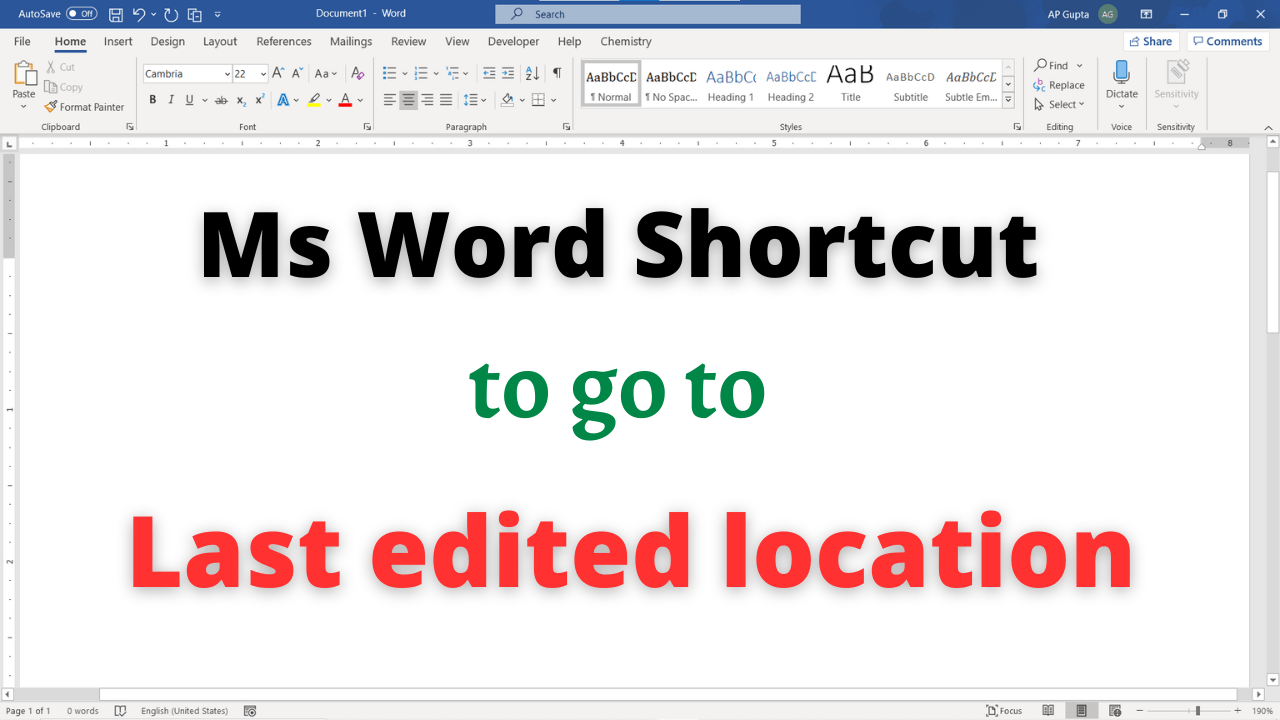
Keyboard shortcut: “Shift + F5” will move your cursor to the location of previous revision. The same shortcut will move the cursor to the location of the last revision made before the document was last closed. This shortcut works only for Ms Word for Windows.
Note: In Ms Word for Mac, “Shift + F5” will move the cursor to the previous insertion point.
Additional Tips
- Ctrl+Alt+Z Cycle will through the locations of the four previous changes made to the document.
- Ctrl+Alt+5, and then the Tab key repeatedly Cycle through floating shapes, such as text boxes or images.
Conclusion
Locating the last edit in your Word document doesn’t have to be a time-consuming task. By using the built-in features of Microsoft Word, you can quickly jump to the last edit location and save valuable time. Whether you’re working on a lengthy report, a thesis, or any other document, this handy feature will help you stay organized and efficient.
Related Posts

C P Gupta is a YouTuber and Blogger. He is expert in Microsoft Word, Excel and PowerPoint. His YouTube channel @pickupbrain is very popular and has crossed 9.9 Million Views.
Hello C.P.
My word file has become corrupted or unreadable and tried all the tools and instructions provided by Micro sof did not work. Even it is also changed into Chinese and Spanish characters. I tried all the software to get it back but none of them work. Its index that I wrote it by going through the document page by page is fine not corrupted, Therefore if u r shure u will correct it to much its index, ols contact me.
Thanks