Set the default Word font for new documents on Windows or Mac, understand the Normal template, and fix font changes that do not persist.
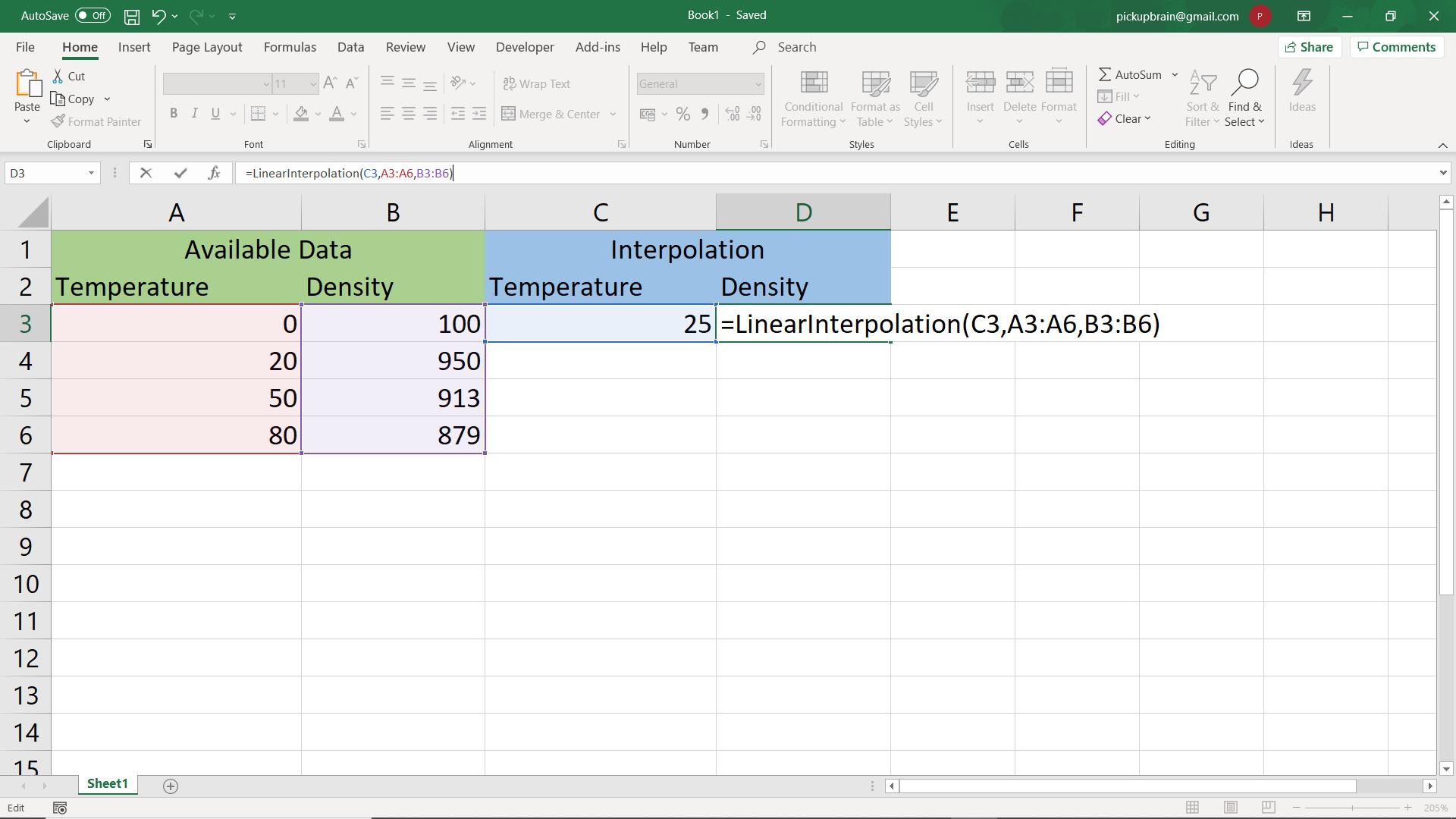
Quick answer: To estimate a value between two known points in Excel, use =B3+(E2-A3)*(B4-B3)/(A4-A3) when the lower and upper x-values are in A3 and A4, their y-values are in B3 and B4, and the target x is in E2. For a reusable function over many sorted data points, the VBA example below calculates the interval automatically. The data in this tutorial are illustrative, not measured water-density values. Suppose an illustrative… Read More »Linear Interpolation in Excel: Formula, Example and VBA
Linear Interpolation in Excel: Formula, Example and VBA
Type the for all symbol ∀ in Microsoft Word with 2200 Alt+X, the Symbol menu or Math AutoCorrect, with practical logic examples and troubleshooting.
For All Symbol (∀) in Word: Alt+X, Unicode and Equation Shortcut

Quick answer: To batch-convert Word documents to PDF on Windows, you can use desktop Microsoft Word with a Windows Script Host (JScript) file and a batch file. This method requires Word installed locally; it does not run in Word for the web or on macOS. The safer example below skips PDFs that already exist, opens source documents read-only, and closes Word after each file. Before you begin Use this only… Read More »Bulk Convert Word Documents to PDF on Windows (Batch Script)
Bulk Convert Word Documents to PDF on Windows (Batch Script)
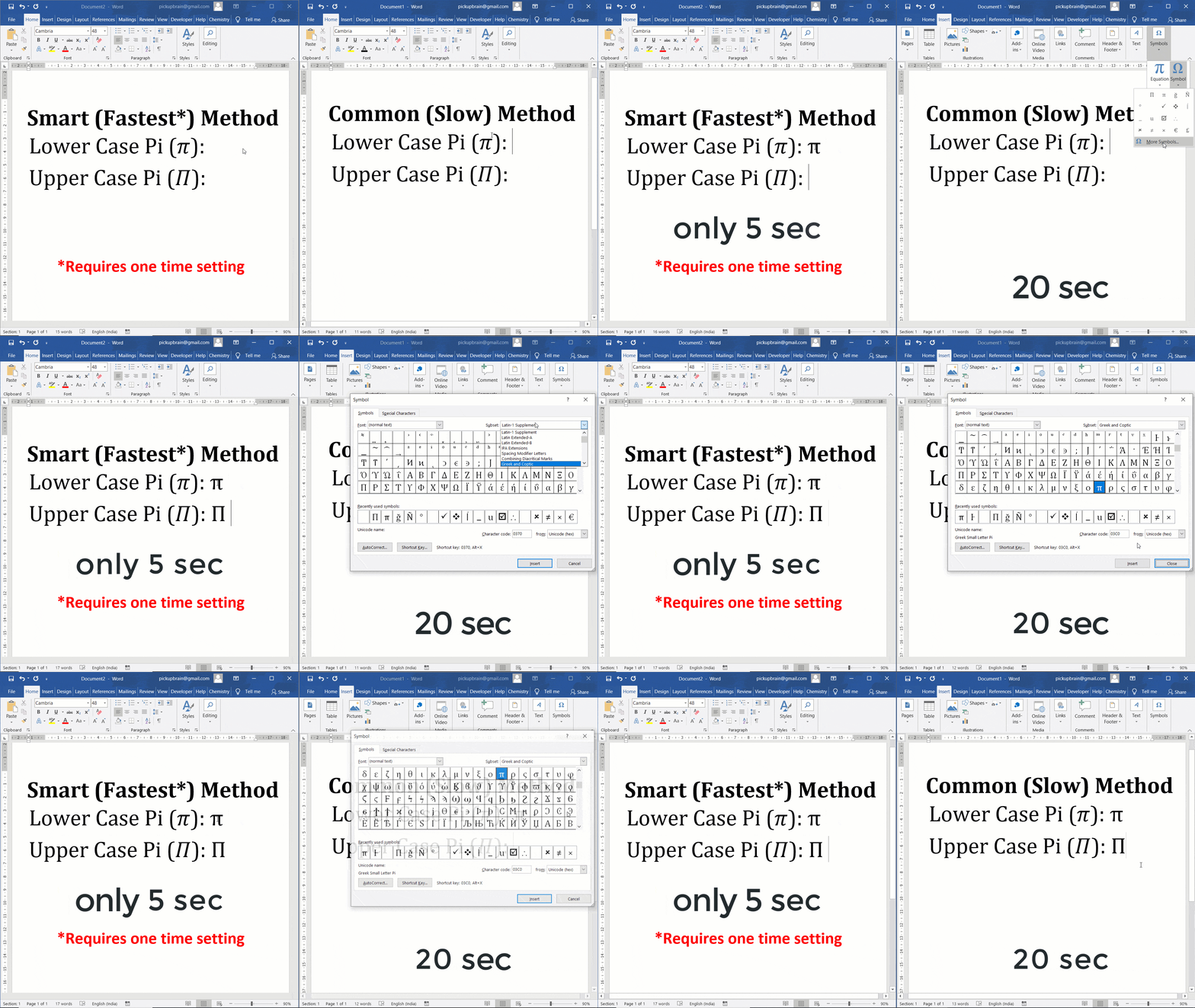
Quick answer: In desktop Word for Windows, type 03C0 and press Alt+X for lowercase π, or type 03A0 and press Alt+X for uppercase Π. In an equation, enter \pi or \Pi followed by Space. You can also use Insert → Symbol. These Unicode methods are more predictable than legacy numeric Alt codes. Four different ways to insert Pi symbol in Word To insert Pi (π or Π) symbol in Ms… Read More »How to Type Pi (π or Π) in Word: Unicode and Equation Shortcuts
How to Type Pi (π or Π) in Word: Unicode and Equation Shortcuts
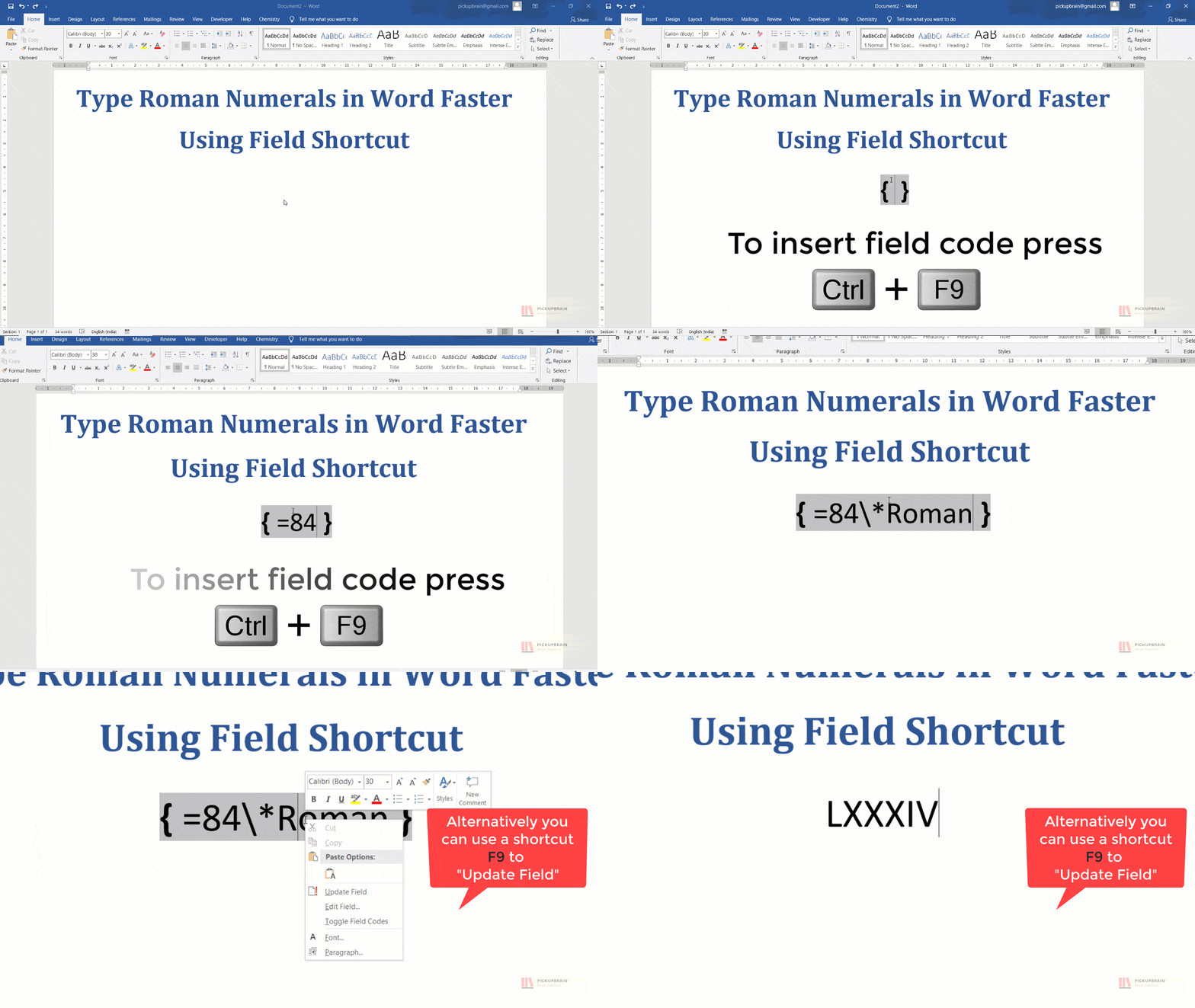
Insert Roman numerals in Word using Ctrl+F9 field codes, convert Arabic numbers to uppercase or lowercase Roman values, and format page numbering.
Roman Numerals in Word: Convert Numbers, Field Codes and Pages
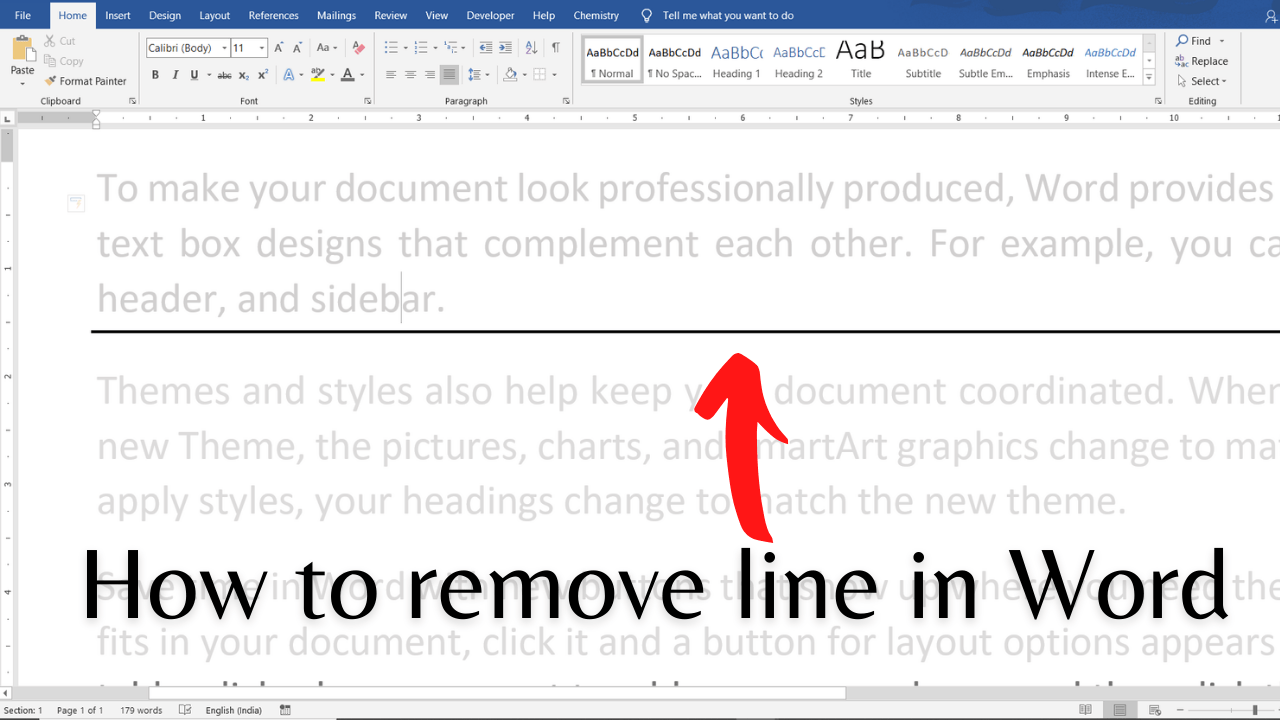
Remove unwanted horizontal lines in Microsoft Word, identify paragraph versus page/table borders, stop automatic lines, and troubleshoot lines that will not delete.
Remove Horizontal Lines in Word: Borders, Shapes and AutoFormat Fixes
HackerRank Hackfest 2020 solutions (archived contest): This article preserves four programming challenges from the 2020 event: Cyclic Binary String, Game of Maximization, Strictly Increasing Sequence, and RBG Queries. The event is historical, not an upcoming competition. Each section includes the problem idea and Java solution; review the original challenge for exact input/output requirements. Java note: The code snippets are method implementations for HackerRank-style Result classes, not standalone programs with a… Read More »HackerRank Hackfest-2020
HackerRank Hackfest-2020
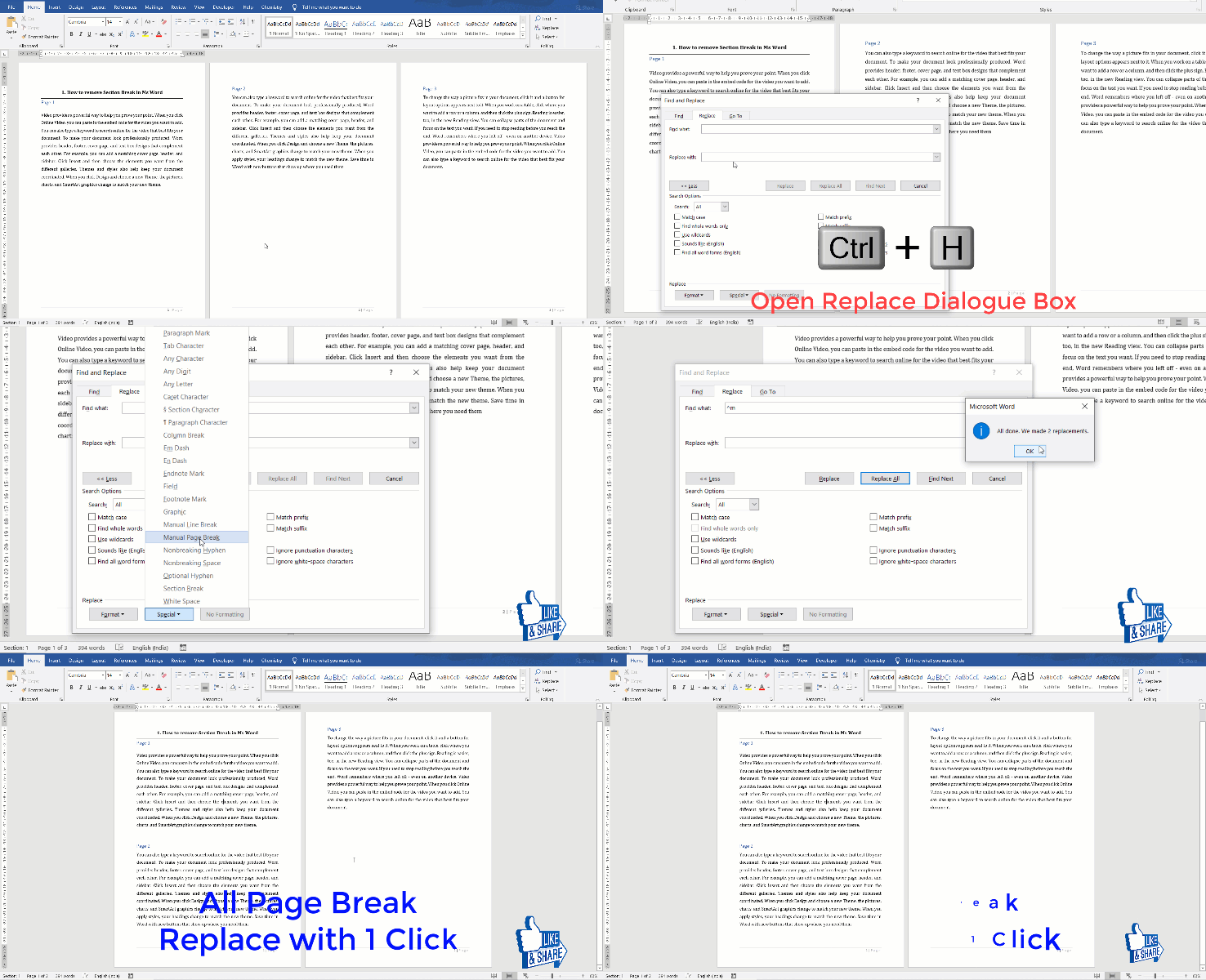
Remove manual page breaks in Word safely, find breaks using ^m, troubleshoot unwanted blank pages and distinguish section breaks from automatic pagination.
How to Remove Page Breaks in Word: Manual, Automatic and Section Fixes

Can Numba or Cython speed up Python? Yes—especially CPU-bound numerical loops—but the gain depends on the workload, data types, compilation cost and baseline. Neither library guarantees a million-fold speedup. This guide explains when to choose each, how to run a reproducible comparison, and why an earlier microbenchmark on this page was misleading. Numba vs Cython: what each tool does Numba uses just-in-time compilation to optimize supported Python and NumPy numerical… Read More »Speed Up Python with Numba and Cython: Realistic Benchmarks