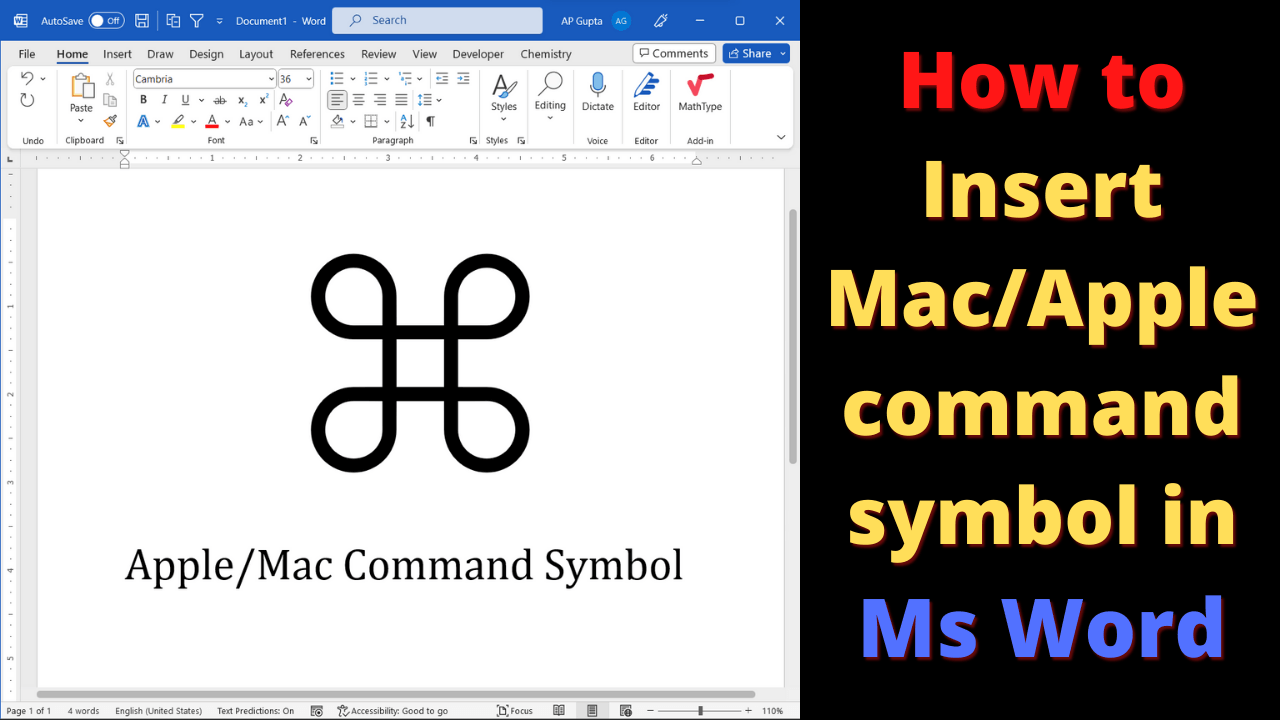
The Apple command symbol (⌘) also known as looped squared can be typed in Ms Word (Windows and Mac).
The following method can be used to get apple command symbol in Ms Word
Alt X method
Type 2318 and hit Alt+X immediately after it.
GUI interface
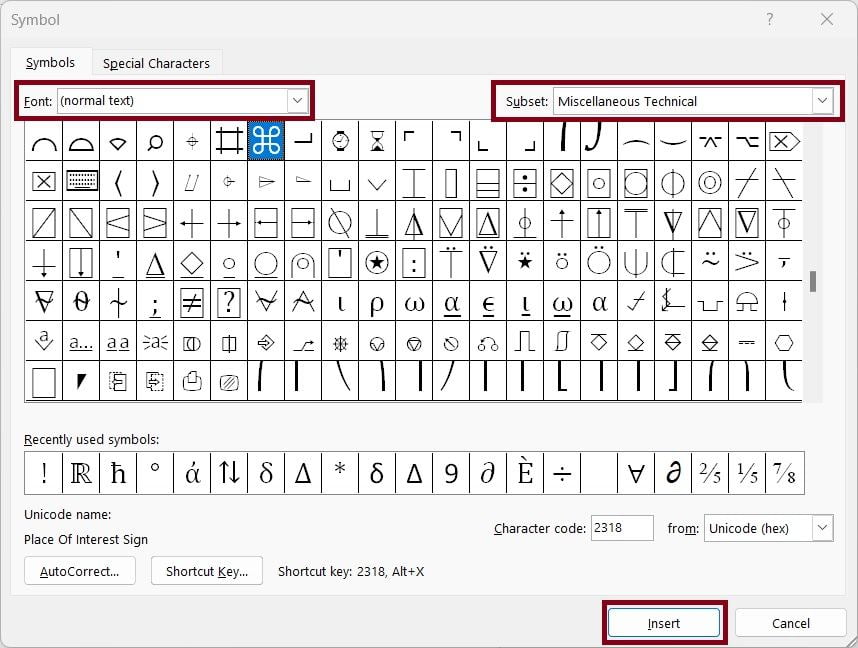
- Go to Insert > Symbols and click More Symbols
- In Symbol, select “(normal text)” as Font and “Miscellaneous Technical” as subset

- Select ⌘ and click insert
Related Posts

C P Gupta is a YouTuber and Blogger. He is expert in Microsoft Word, Excel and PowerPoint. His YouTube channel @pickupbrain is very popular and has crossed 9.9 Million Views.