Skip to content
difference between unique and distinct

In everyday language, unique and distinct can mean similar things. In spreadsheet analysis, however, people often use distinct values for every different item and unique-only values for items appearing exactly once. This guide explains the difference with an example, a memory trick, and Excel formulas. Note: terminology varies between tools: Excel’s UNIQUE function returns distinct values by default. Difference between Unique and Distinct Distinct: All different values in a dataset,… Read More »Unique vs Distinct Values in Excel: Difference and Examples

Unique vs Distinct Values in Excel: Difference and Examples
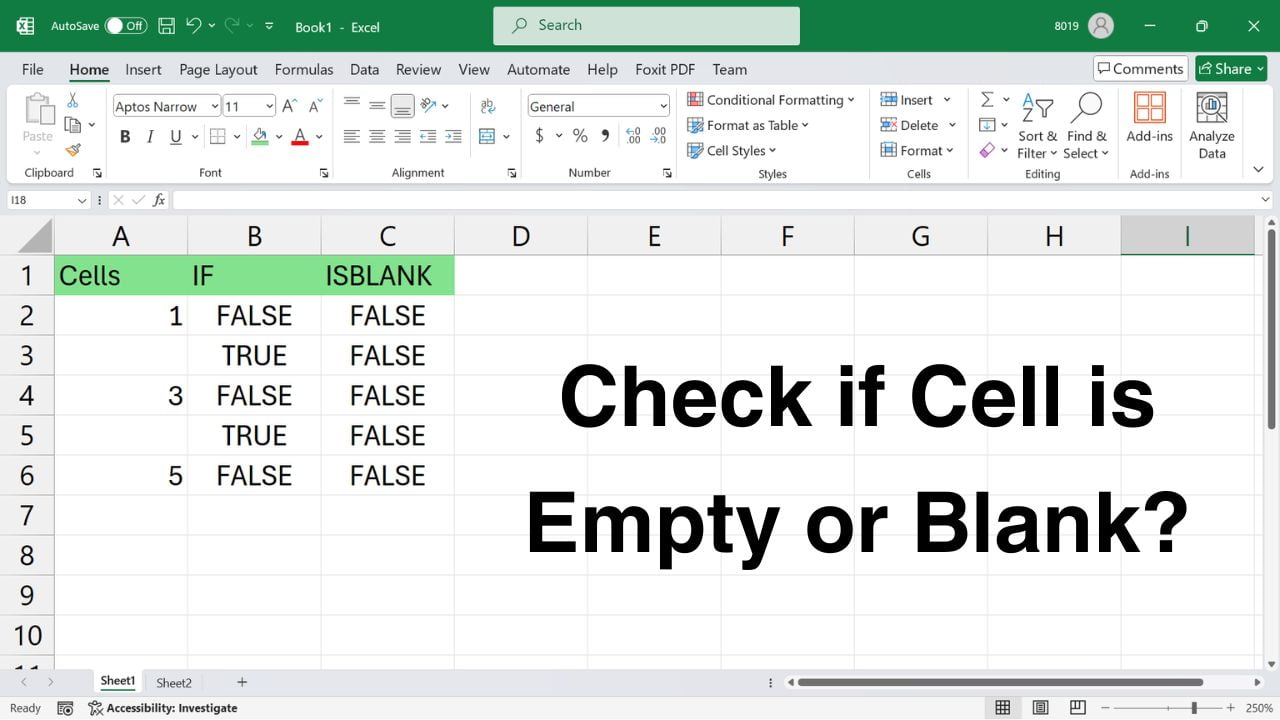
Quick answer: Use =ISBLANK(A2) to test whether an Excel cell is genuinely empty. Use =A2="" if you also want to treat a formula returning an empty string as blank. This guide explains both checks, practical IF formulas, and why cells that look empty may behave differently. Method 1: Check physically empty cells with ISBLANK Microsoft documents the blank-cell check in its IF and ISBLANK guidance. The formulas below work in… Read More »How to Check If an Excel Cell Is Blank: ISBLANK vs IF

How to Check If an Excel Cell Is Blank: ISBLANK vs IF

Quick answer: To continue page numbering after a section break in Microsoft Word, open the header or footer in the new section, choose Page Number → Format Page Numbers, and select Continue from previous section. This preserves the section break while keeping page numbers sequential. Follow the steps and video demonstration below. How to continue page numbering after a section break The page-number sequence should now continue from the previous… Read More »How to Continue Page Numbers After a Section Break in Word

How to Continue Page Numbers After a Section Break in Word