Use Shift+F5 in Word to jump back to a previous edit or cursor location. Learn the difference from Undo, platform limitations, and troubleshooting.
Use Shift+F5 in Word to jump back to a previous edit or cursor location. Learn the difference from Undo, platform limitations, and troubleshooting.

10 Microsoft Word productivity tips: what works and where Save time in Microsoft Word with ten practical techniques for editing, navigation, reusable content, formatting and document review. The instructions below distinguish desktop features from commands that may vary by Microsoft 365 version or platform. 1. Look up a term with available research tools Availability: Smart Lookup was offered in some older desktop Office releases; it is not a dependable feature… Read More »10 Practical Microsoft Word Productivity Tricks (With Limitations)

Create custom Windows shortcuts using AutoHotkey v2. Learn hotkeys, text expansion, safe setup and troubleshooting, plus built-in Windows alternatives.
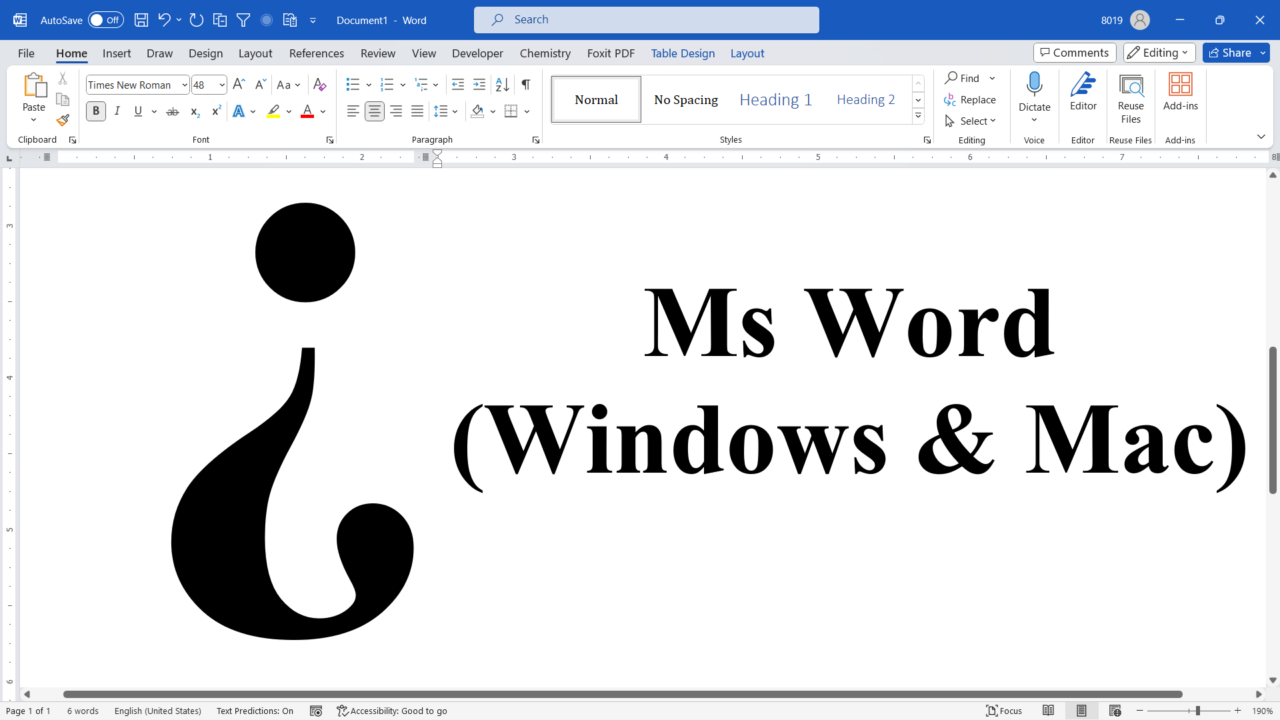
Insert the upside-down question mark in Word on Windows or Mac using Unicode Alt+X, Alt codes, Symbol and keyboard shortcuts.
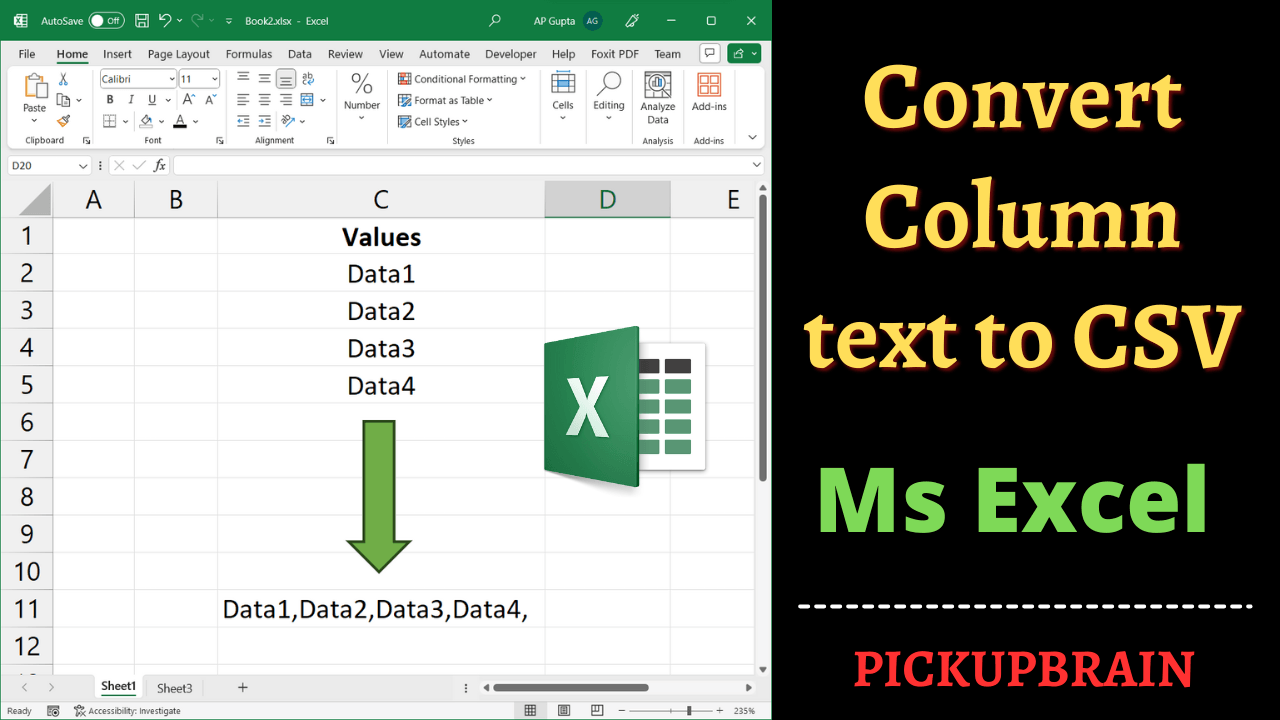
Use TEXTJOIN to turn Excel column values into one comma-separated cell. Learn CONCAT limitations, blank-cell handling, and the difference from CSV export.
Strikethrough crosses out text without deleting it. In Microsoft Word, select the text and choose Home > Strikethrough. On Windows, the ribbon Key Tip sequence Alt, H, 4 may work; on Mac, Command + Shift + X is commonly available. Here are five practical methods and the situations in which each is useful. Choose a method based on your Word version and how often you use the command. Strikethrough is… Read More »How to Strikethrough Text in Word: 5 Methods and Shortcuts
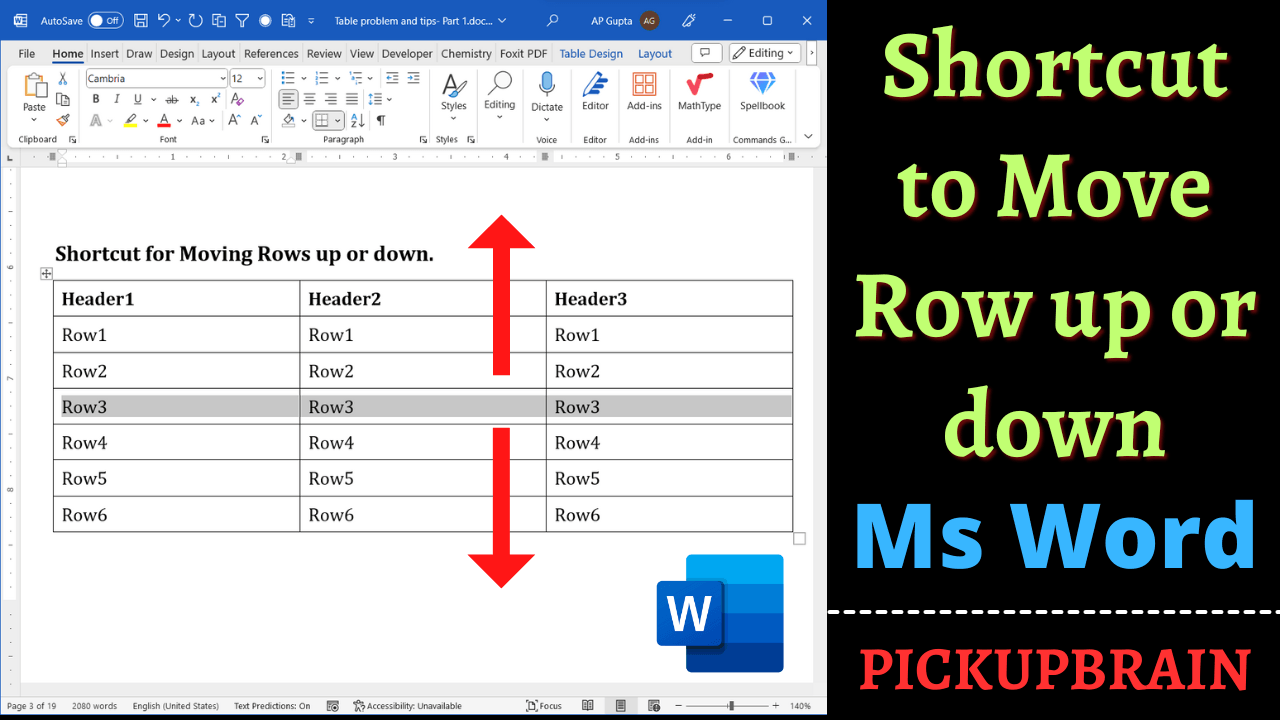
Move Microsoft Word table rows using Alt+Shift+Up or Down Arrow. Includes step-by-step instructions, an example, and troubleshooting tips.
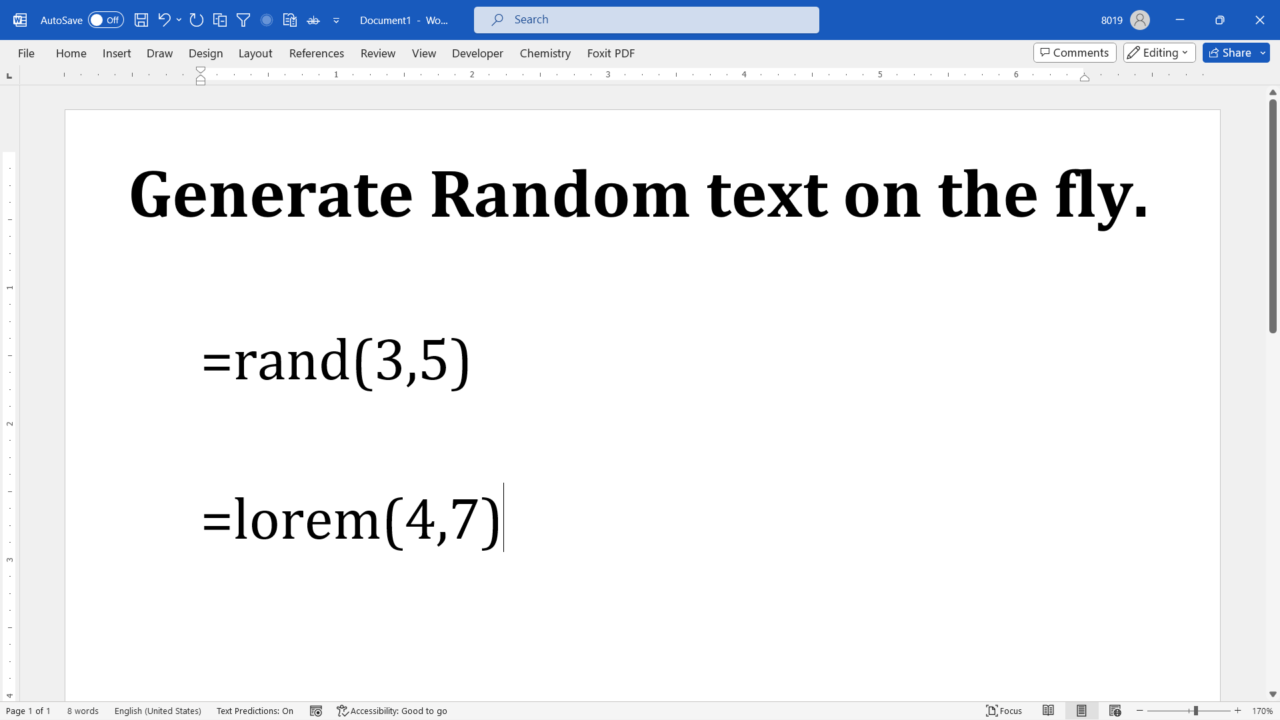
Generate Lorem Ipsum or English sample text in Microsoft Word using =lorem() and =rand(). Learn the syntax, examples, and troubleshooting tips.
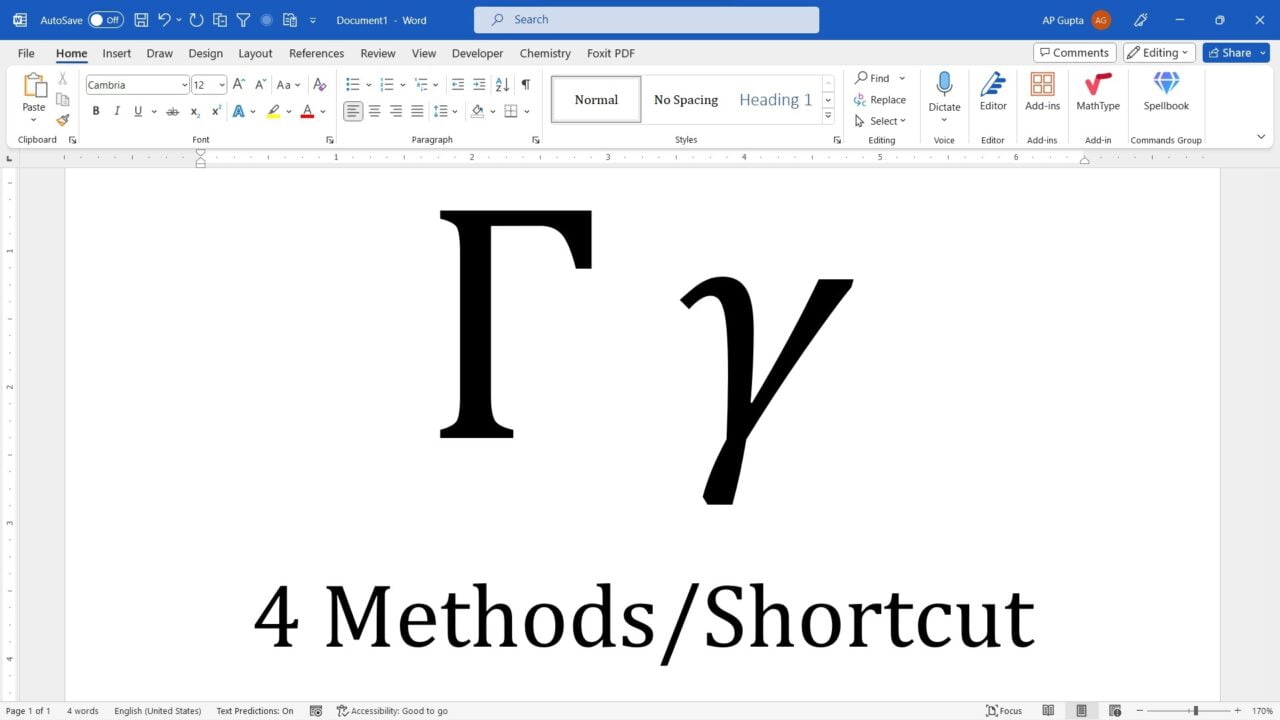
Learn to insert uppercase and lowercase gamma in Word with Unicode Alt+X, Insert Symbol and Math AutoCorrect, plus troubleshooting.
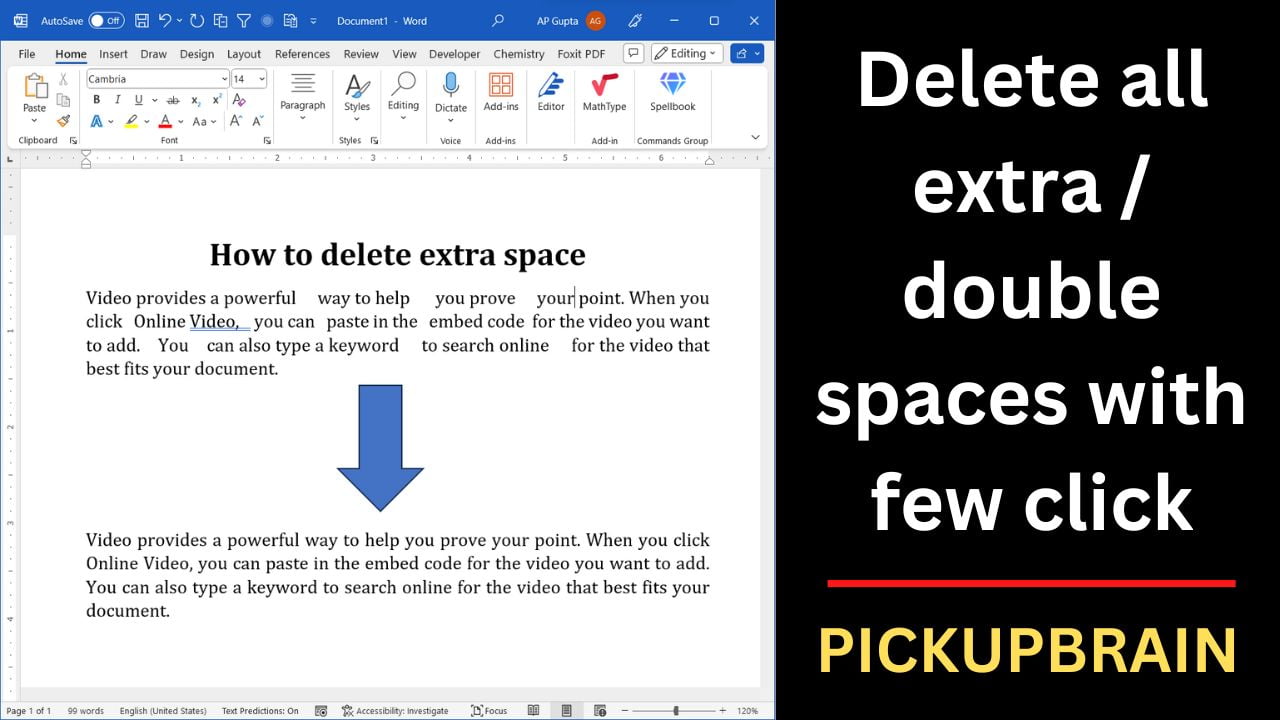
Remove double and multiple spaces in Microsoft Word using Find and Replace or wildcards, with troubleshooting for tabs and nonbreaking spaces.