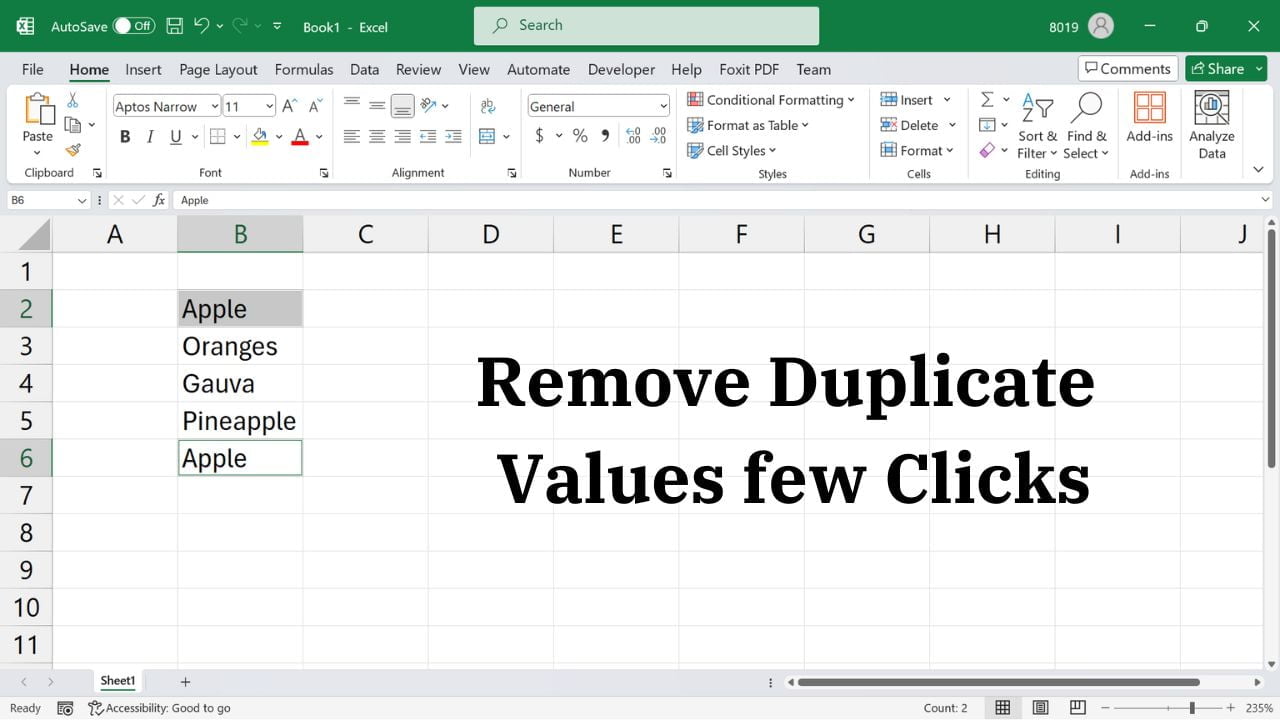
Quick answer: Select your data in Excel, choose Data → Remove Duplicates, select the columns that define a duplicate, and click OK. Excel keeps the first matching record and removes later duplicates. Make a copy of your data first, because this operation deletes rows from the selected range. Remove Duplicate Values and Rows in Excel Excel’s built-in Remove Duplicates command can clean repeated records quickly. Before starting, decide whether duplicates… Read More »How to Remove Duplicate Rows in Excel Safely (Without Losing Data)
Display Windows environment variables using echo %NAME%, SET, and PowerShell $env:NAME, plus PATH examples and troubleshooting.
View Environment Variables in Windows CMD and PowerShell (PATH, JAVA_HOME)
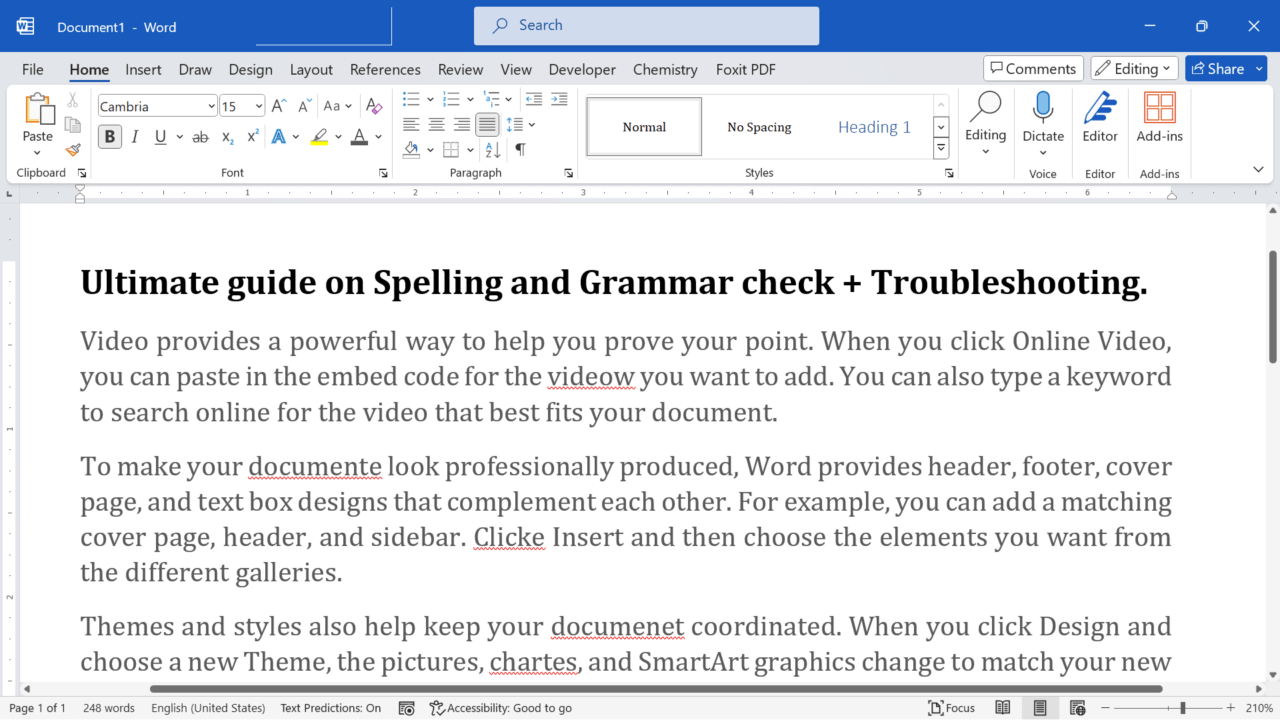
Check spelling and grammar in Word with Editor, F7 shortcuts, proofing settings, language options, dictionary tips, and troubleshooting.
How to Check Spelling and Grammar in Word: Editor and F7
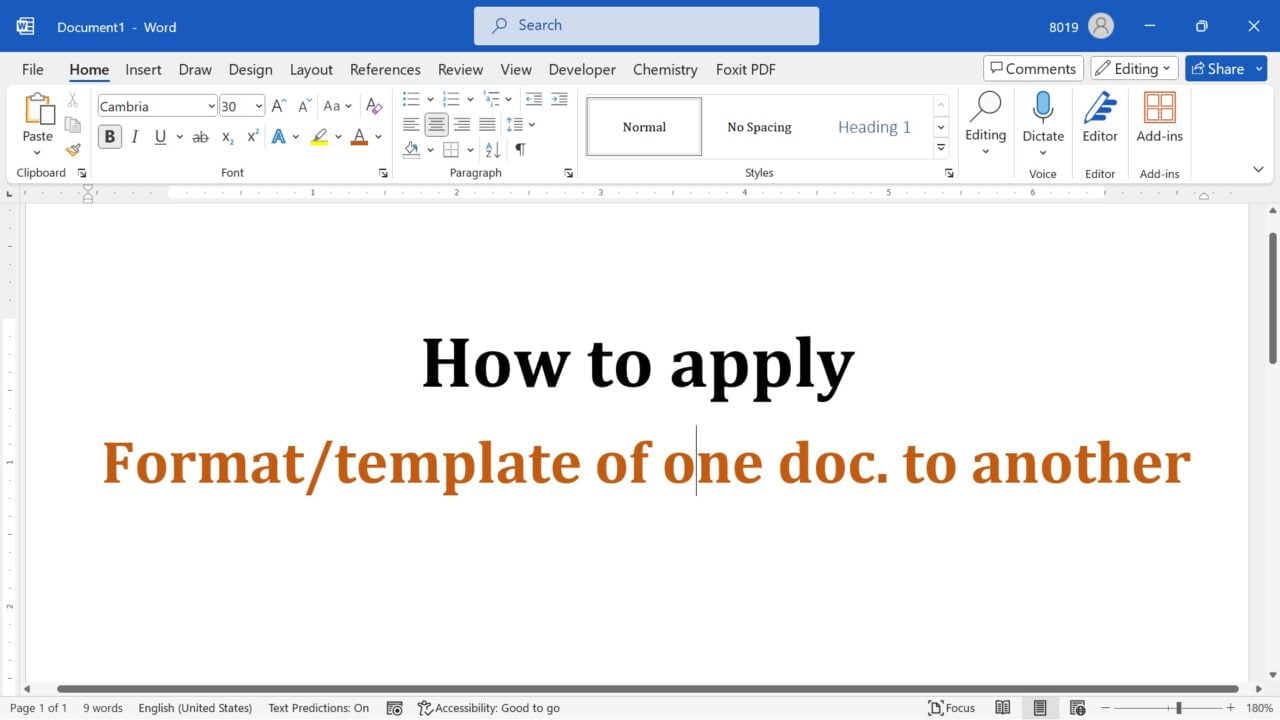
Apply an existing Word template to another document using Developer > Document Template. Learn what styles update, what stays unchanged, and how to troubleshoot.
How to Apply a Word Template to an Existing Document
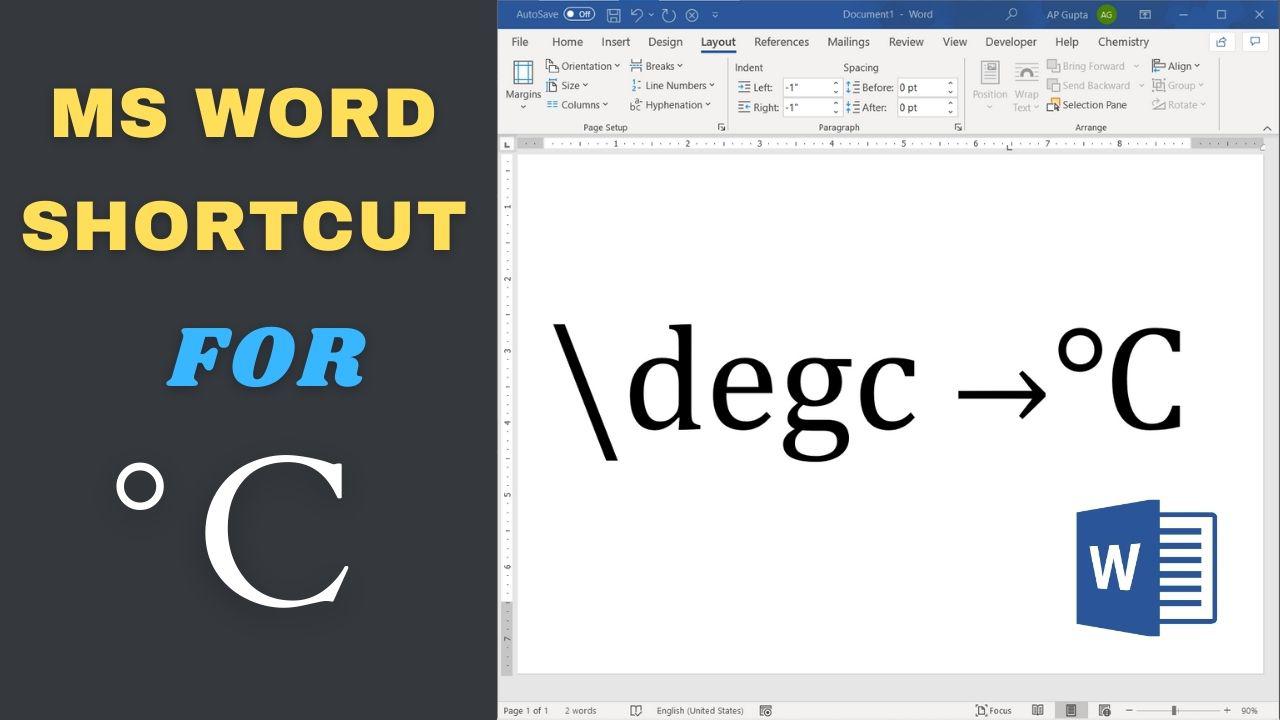
Type °C in Word using Math AutoCorrect, Alt+X, or Insert Symbol. Learn the correct degree sign and fix shortcuts that do not convert.
Degree Celsius (°C) in Word: Shortcut and Symbol Methods
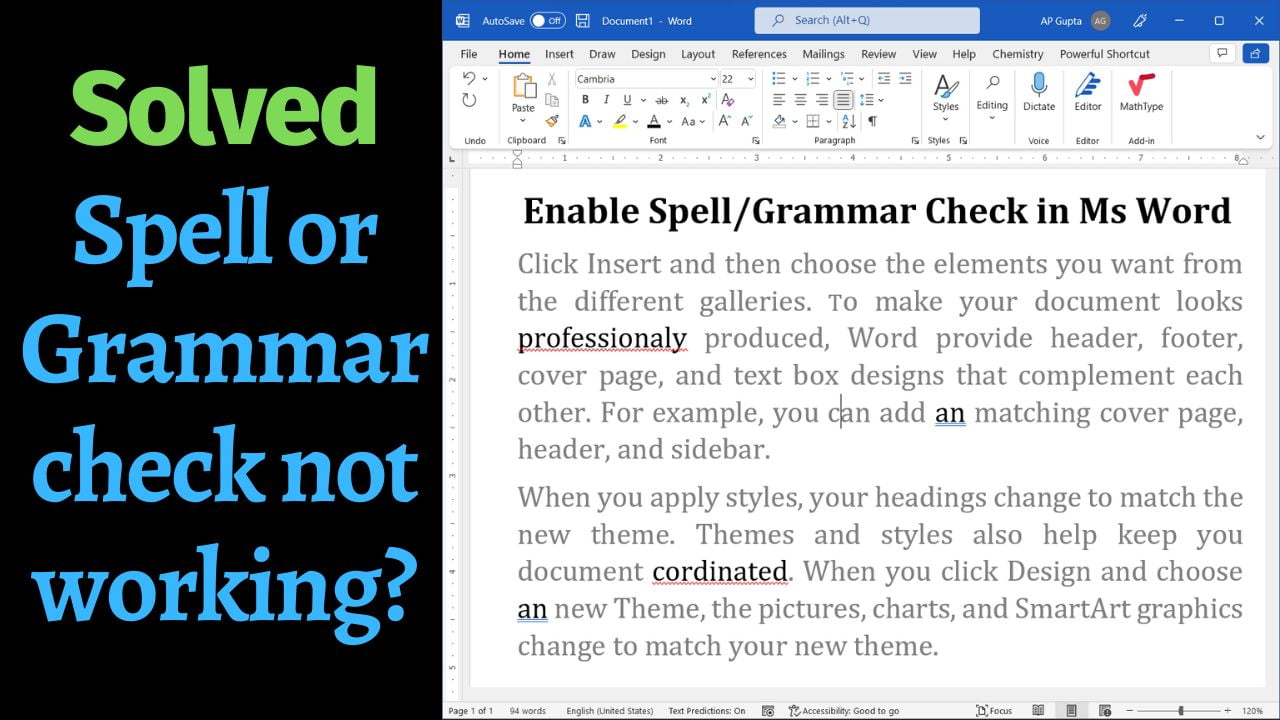
Fix Word spell check not working or missing red underlines. Check proofing settings, language, document exceptions, dictionaries, and F7.
Spell Check Not Working in Word? 8 Fixes for Windows and Mac
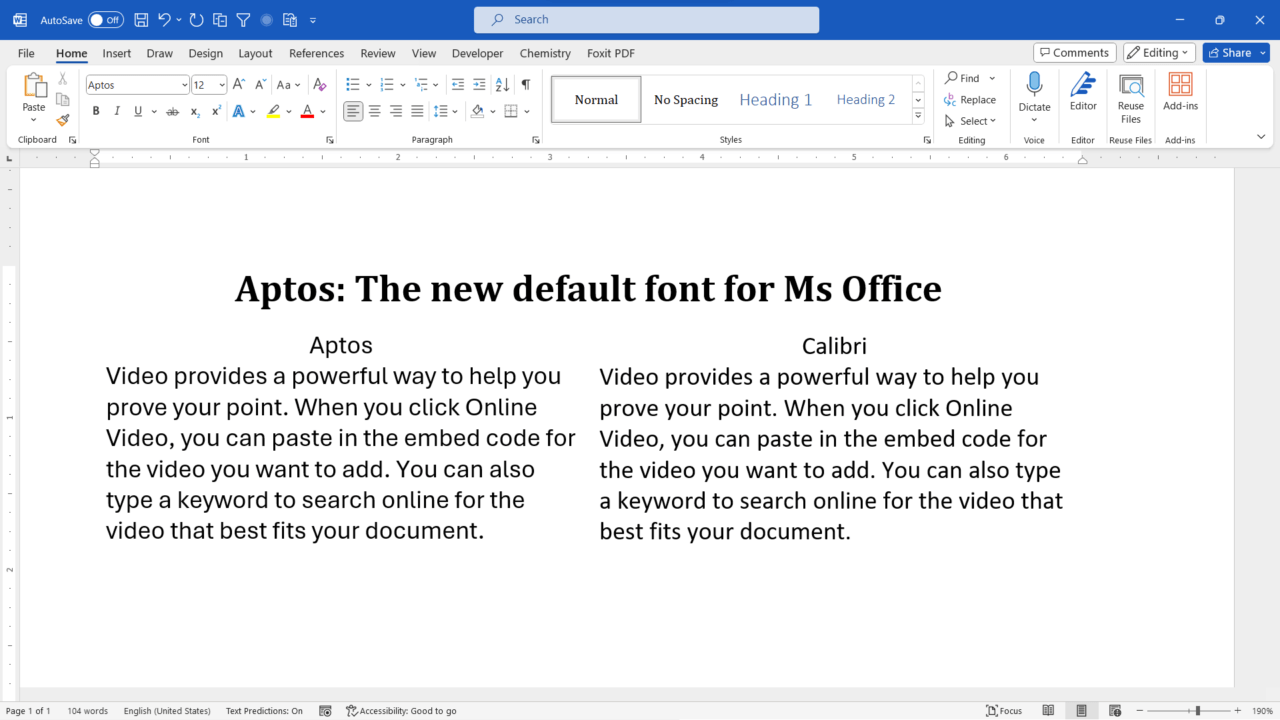
Learn why Microsoft 365 changed its default font from Calibri to Aptos, how the fonts compare, and how to set your preferred font in Word.
Aptos Font in Microsoft Word: Why It Replaced Calibri
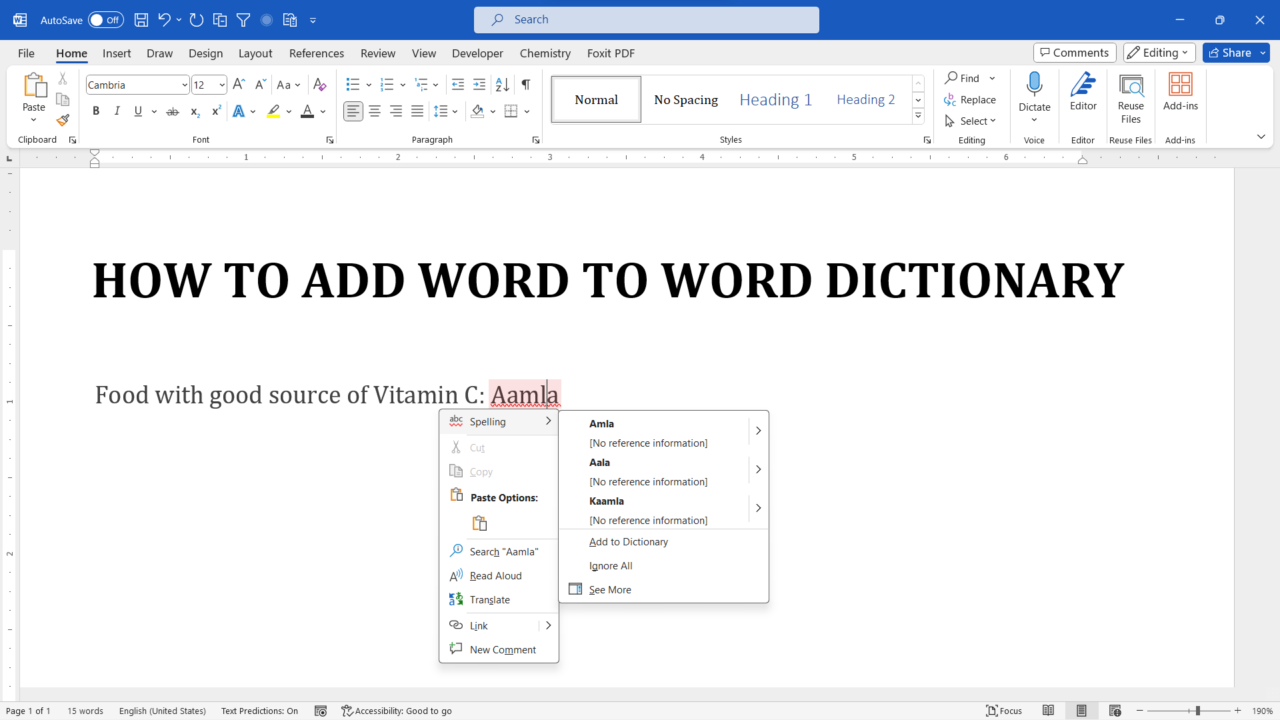
Stop Word from flagging a correctly spelled name or technical term. Learn how to add words to a custom dictionary, manage entries, and fix missing options.
How to Add a Word to the Dictionary in Microsoft Word
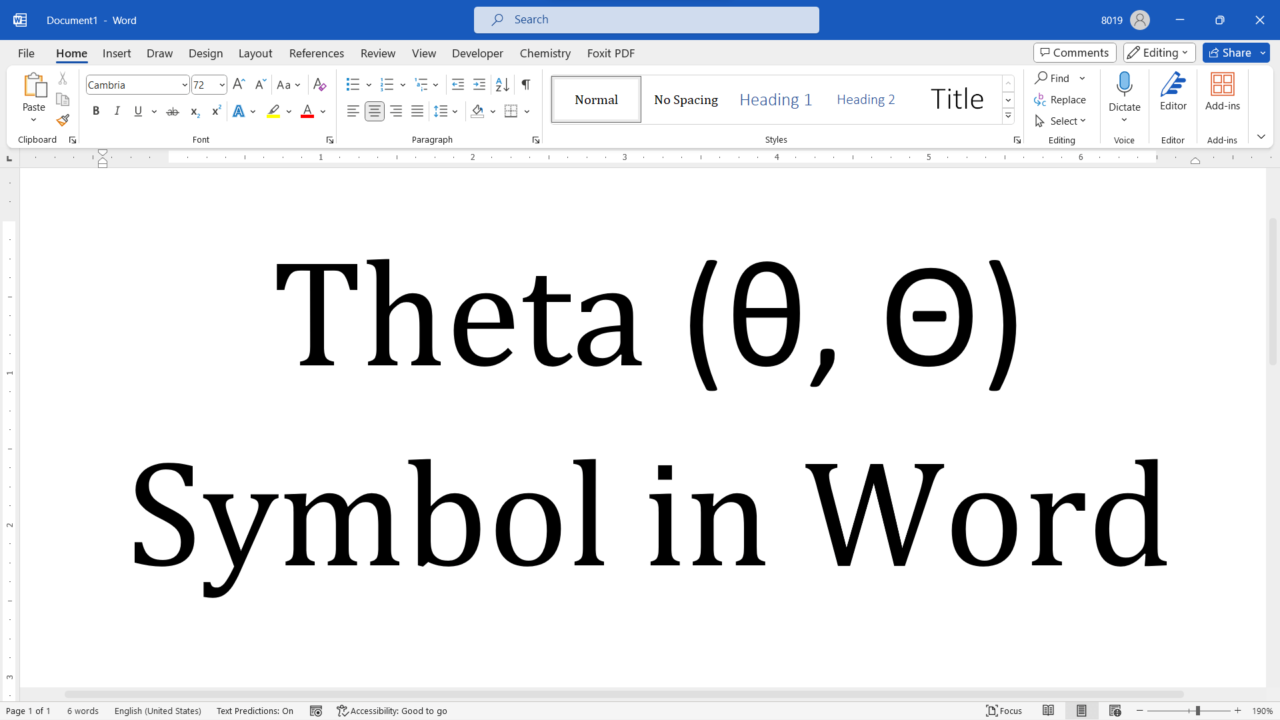
Insert lowercase θ and uppercase Θ in Word using Insert Symbol, Math AutoCorrect, or Unicode Alt+X, with troubleshooting and platform notes.
How to Type Theta (θ and Θ) in Word: 4 Reliable Methods
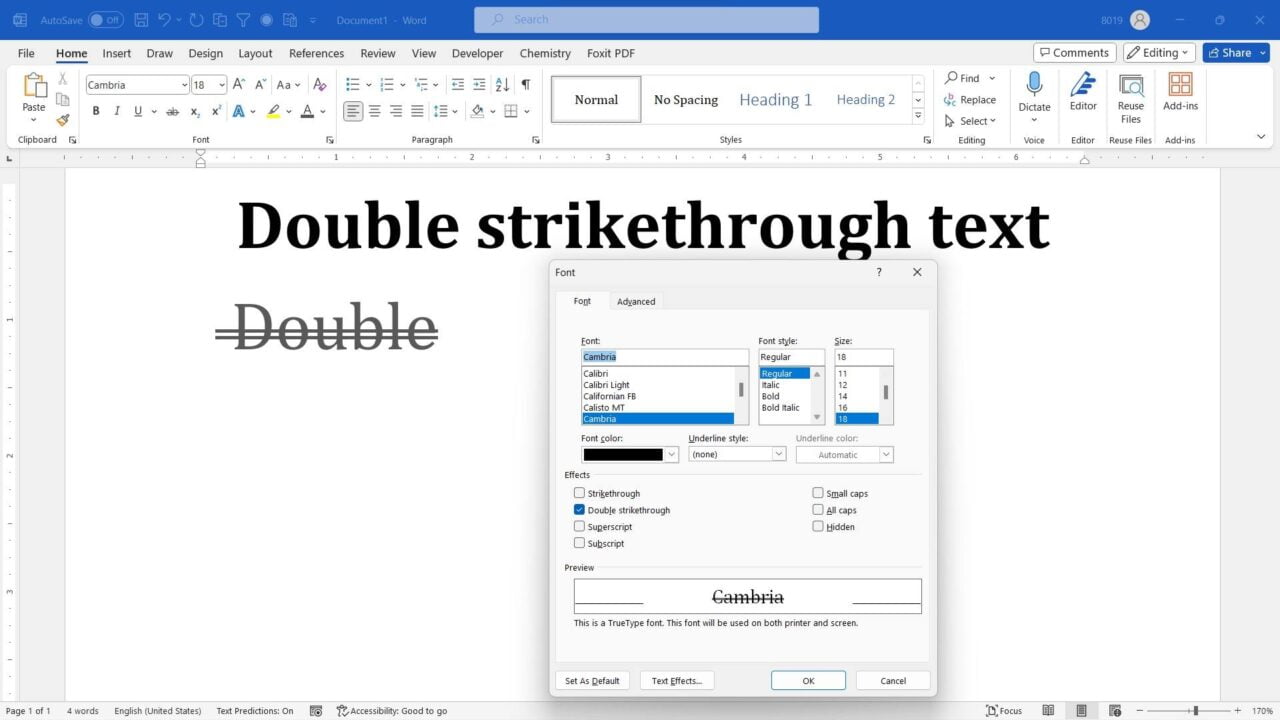
Apply or remove double strikethrough in Word using the Font dialog. Includes Ctrl+D, troubleshooting, and the difference from Track Changes.